Post-production studio operations
Run your post-production studio — without spreadsheets
Bookings, clients, projects, and billing — all in one system built for real post-production workflows.
Finally, everything in one place.
Built by a working post-production team.
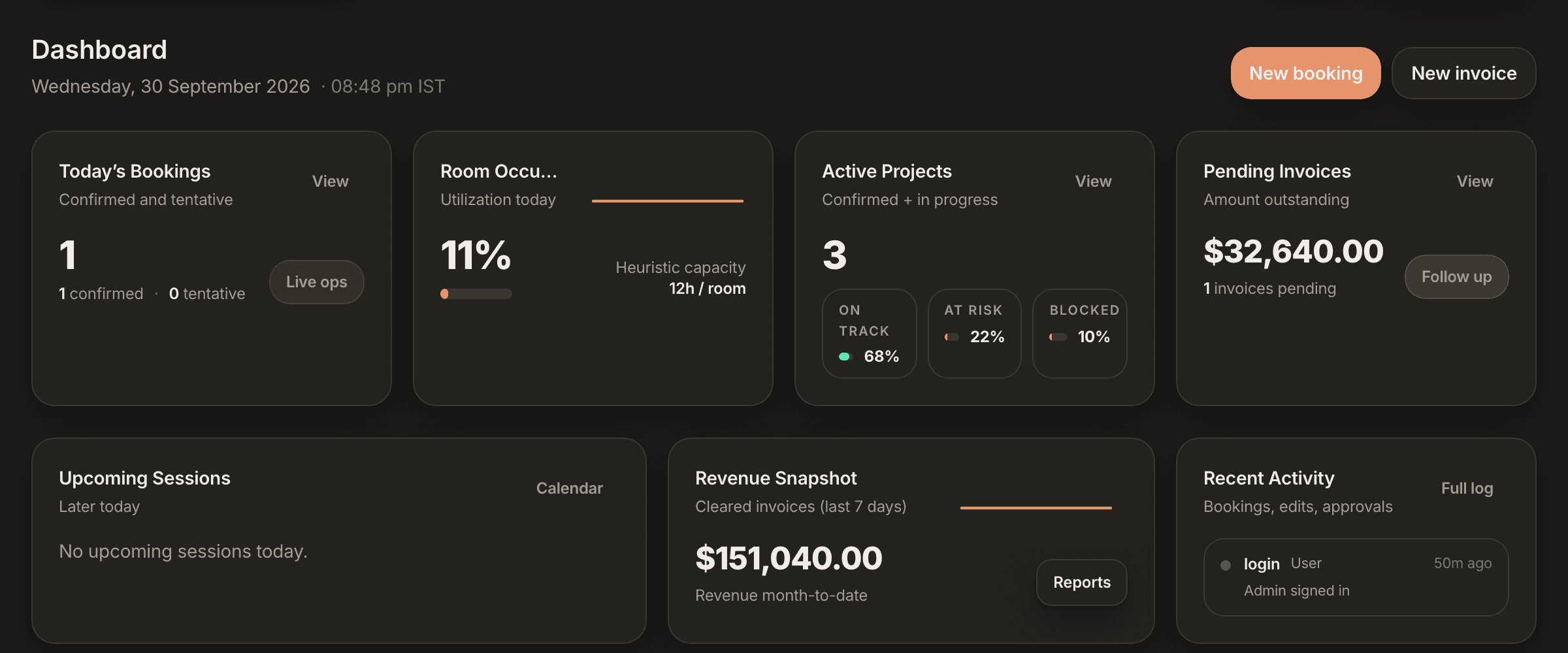
Product walkthrough
See Organize in action
Watch how post-production studios manage bookings, projects, challans, and invoices — all in one place.
Most studios run on workarounds.
- Bookings → scattered across calendars and messages
- Clients → buried in inboxes
- Projects → tracked in spreadsheets nobody updates
- Billing → delayed, manual, and often missed
- Team → no clear view of who's doing what
One system for your entire studio.
- All bookings visible in one calendar — no double-booking
- Clients, projects, and deadlines linked together
- Every session tracked and ready to invoice
- Billing goes out on time, every time
- Your whole team on the same page, always
No more Excel. No more WhatsApp tracking. No more missed billing.
Built for every room in your facility
Every room. One system.
Whether you run edit bays, colour suites, sound stages, or VFX rooms — Organize keeps every booking, session, and invoice in one place.
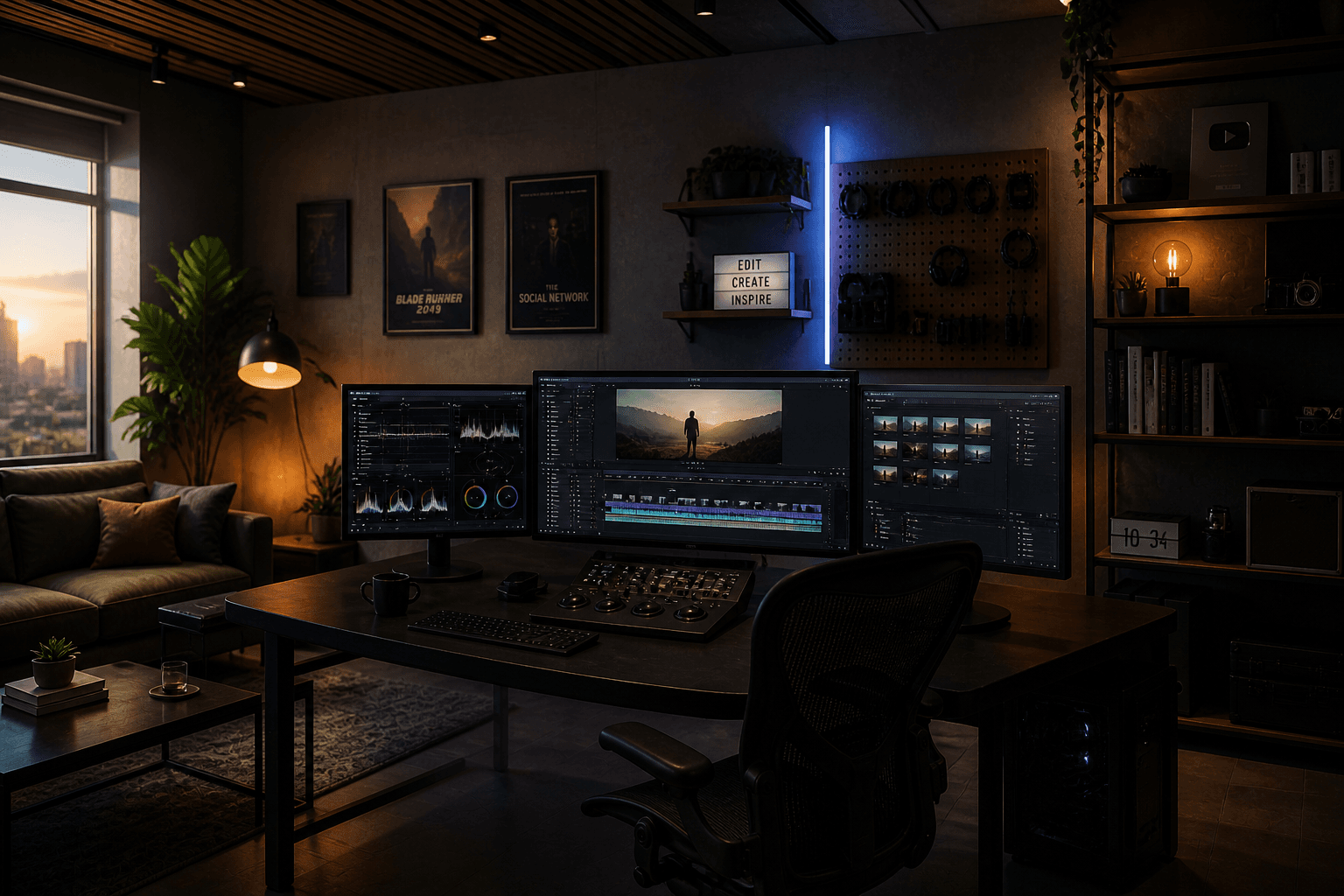
Book every bay. Track every session. Bill every hour.

Manage complex projects and multi-day artist schedules.

From ADR to final mix — every session accounted for.
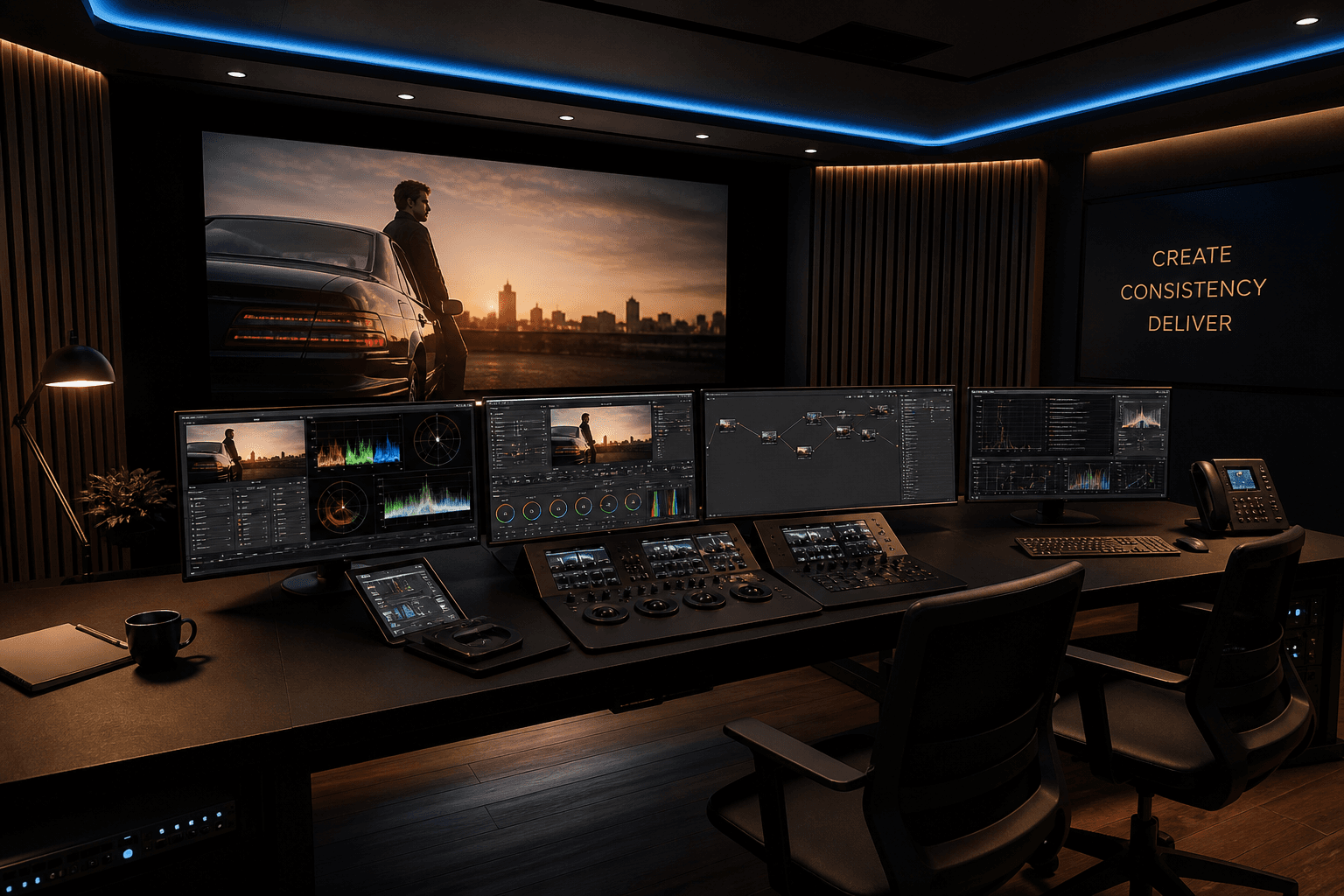
DI and colour grading booked and billed with precision.
One system for the studio floor
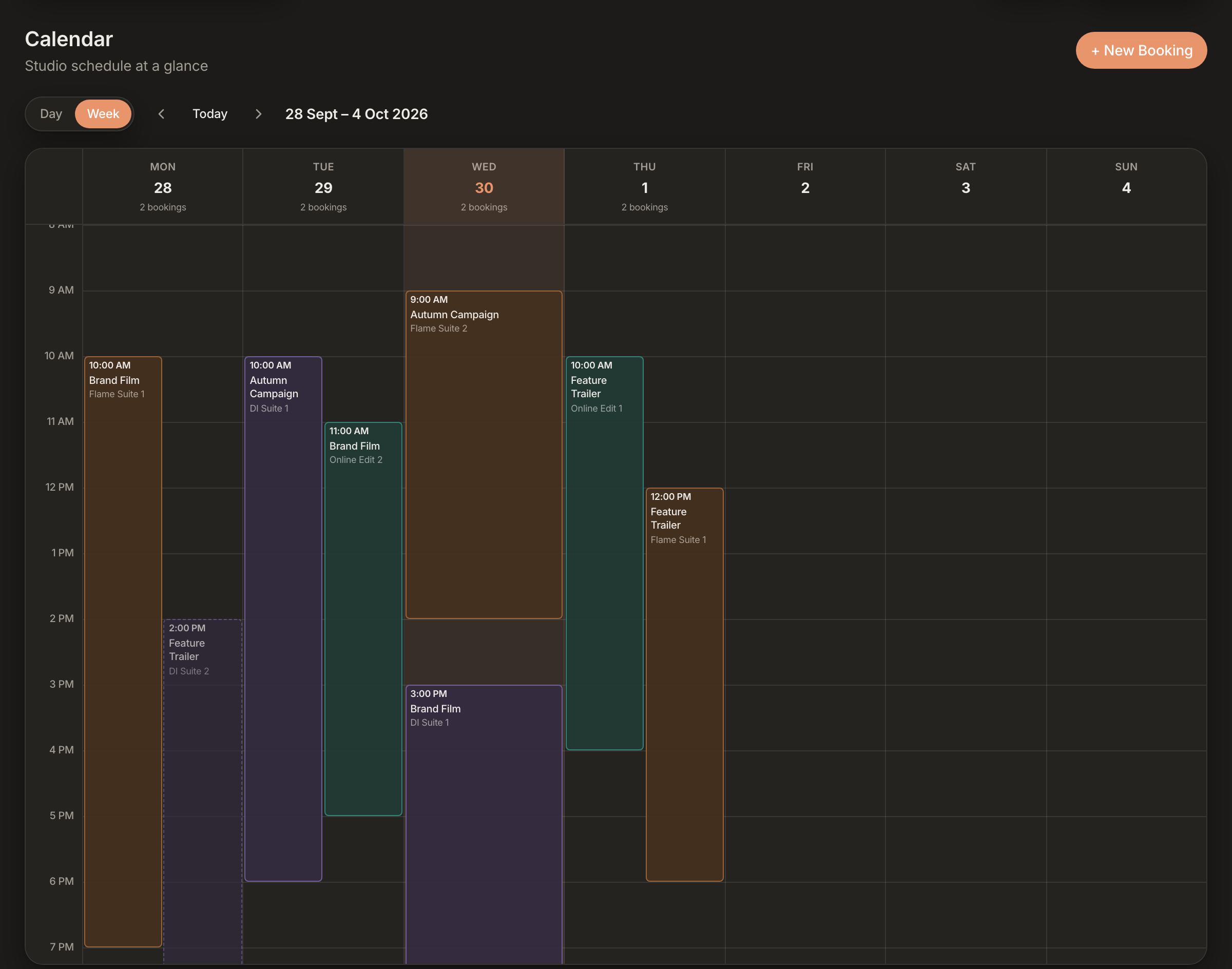
Scheduling
Scheduling that matches how studios actually book
Book rooms, artists, and sessions with clarity — then keep the day moving without chasing threads.
- Edit suites, colour rooms, and artists in one calendar
- Conflict checks before a booking is saved
- One shared calendar the whole team works from
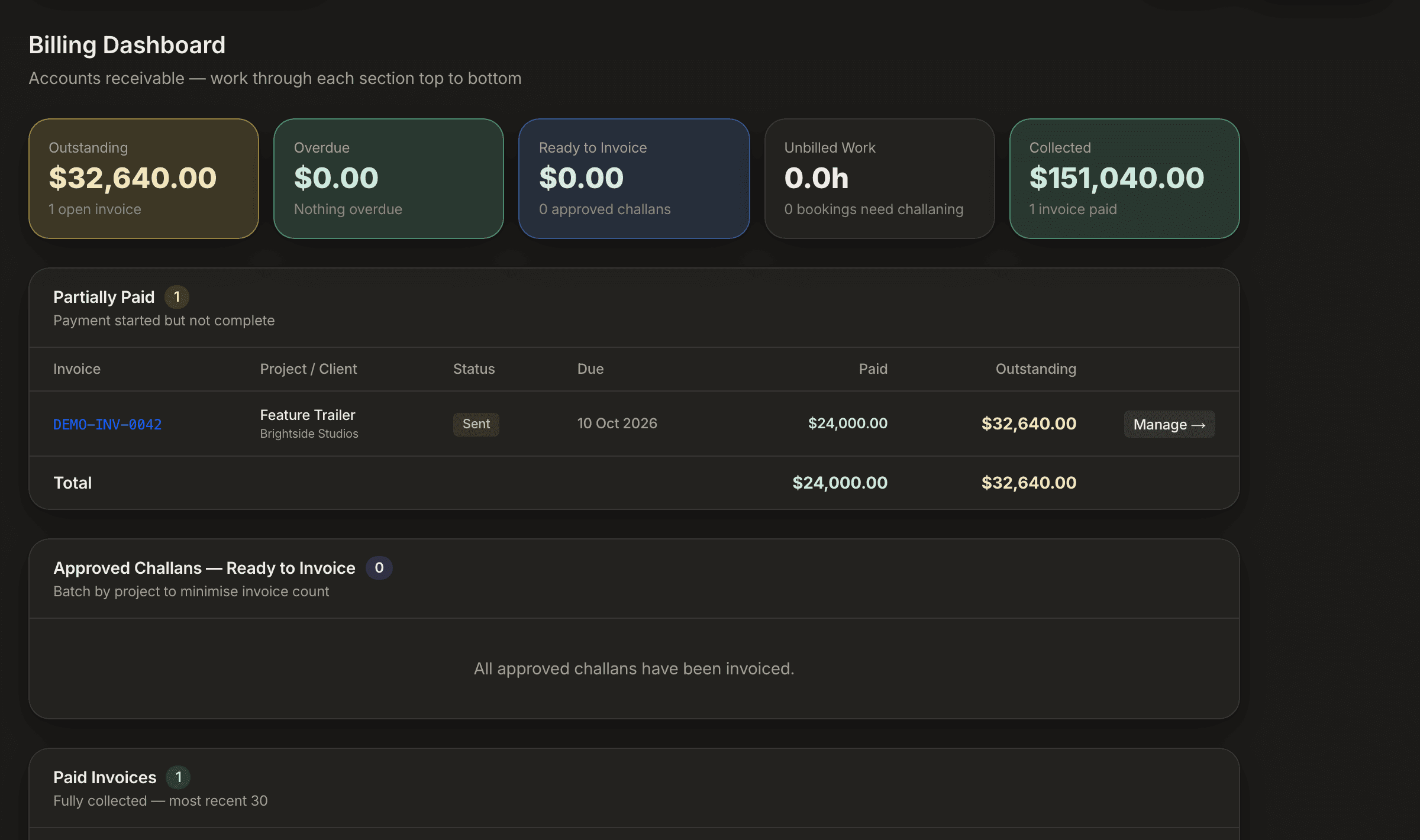
Billing
Billing that starts from the schedule
Stop rebuilding invoices from scratch. Turn booked time into clean, consistent billing without re-entering a line.
- Convert sessions to challans in one click
- Roll challans into invoices with no double entry
- Track partial payments to zero balance
Studio Ops
Studio operations, visible in one place
Know what's happening on the floor right now — and what's coming next — without spreadsheets.
- Room and artist utilisation, today and month-to-date
- Project status, clients, and deadlines at a glance
- Overdue, unbilled, and outstanding — all surfaced
The full workflow — in one system
Built to be trusted with studio information
Studio-isolated accounts
Every record belongs to one studio, and every request is scoped to the signed-in studio. Another customer can't use Organize to reach your bookings, clients or invoices.
Role-based financial access
Invoices, challans, quotations and rates are limited to the roles you give financial access. Artists and coordinators see the schedule, not the rate card.
Specific, checkable security practices
Encrypted connections, hashed passwords, an activity log of who did what. We say what we do and don't claim, instead of borrowing badges.
Set up your studio in minutes
No complex setup. No enterprise onboarding. Just start.
Your studio account is isolated from other Organize customers, with financial access controlled by role. How we handle your data →
- 01
Create your studio
Name your workspace — done in 30 seconds.
- 02
Add rooms and team
Set up your suites, artists, and roles.
- 03
Start booking
Calendar is live. Start scheduling immediately.
- 04
Invoice automatically
Sessions convert to invoices — no manual work.